

- Add context and clarity to written content
- Draw attention to key ideas
- Improve readability and user experience
- Support accessibility and search visibility
In the video below, we walk through how to think like a designer when incorporating images into a blog post. To build on those ideas, this post also covers modern image optimization best practices, including technical SEO considerations that help images support performance, not just aesthetics.
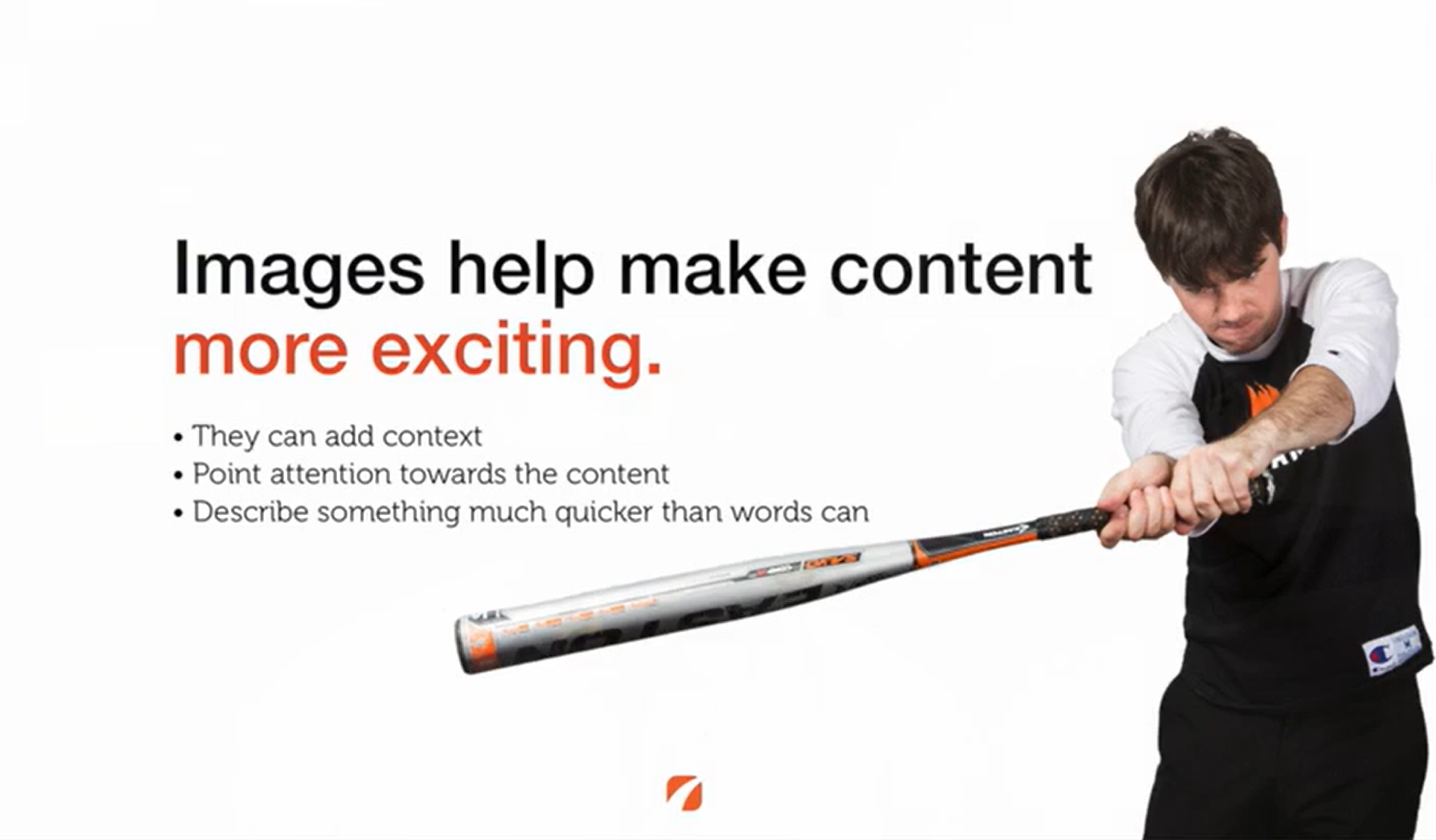
Beyond aesthetics, images also play a meaningful role in how content performs and is understood.
Why Images Matter for Engagement and Search Visibility
Images don’t just make blog posts more visually appealing; they play a direct role in usability, accessibility, and search performance. Well-optimized images can improve page engagement, support accessibility standards, and help search engines better understand your content.
From an SEO and AEO perspective, images provide additional context signals when they are:
- Properly named
- Accurately described
- Technically optimized for performance
Modern Image Tools (Including AI)
In addition to traditional tools like Photoshop, many teams now use AI-assisted platforms to speed up image creation and optimization.
Common options include:
- AI image generators for custom illustrations or concept visuals
- AI-powered background removal and resizing tools
- Tools that automatically generate image variations for different layouts
While AI can be a powerful starting point, images should still be reviewed for accuracy, relevance, and brand consistency—particularly in medical marketing.
Image Optimization Best Practices for Blog Posts
When adding images to blog content, optimization matters just as much as selection.
Key considerations include:
- Descriptive, keyword-relevant file names (not image123.jpg)
- Accurate alt text that explains the image for screen readers
- Proper sizing and compression to avoid slowing page load
- Logical placement near relevant text
These steps help images support both technical SEO and accessibility, which are increasingly important ranking and usability factors.
Image Optimization Checklist
| Optimization Area To Review | What To Check |
|---|---|
| Image Purpose & Intent | The image adds context or clarity, not just decoration |
| File Naming Conventions | Descriptive, human-readable, and keyword-relevant file names |
| Alt Text for Accessibility | Clearly describes the image and its relevance to the content |
| Image File Size | Compressed to reduce load time without sacrificing quality |
| Image Dimensions | Sized appropriately for its on-page display |
| Image File Format | Uses the correct file type (JPEG, PNG, or web-optimized formats) |
| Image Placement on Page | Positioned near the content it supports |
| Mobile Display Behavior | Displays cleanly without disrupting reading flow |
| Visual Consistency & Branding | Matches brand style and visual standards |
Turn Image Best Practices Into Consistent Results
Understanding how to use and optimize images is only part of creating effective blog content. Applying those best practices consistently across posts, platforms, and formats is where many teams need additional support.
Etna Interactive works with medical practices to develop content and design systems that balance visual impact, performance, and compliance. From blog strategy and image optimization to scalable content standards, we help practices turn best practices into repeatable results.
Connect with Etna Interactive to learn how a cohesive content and design strategy can strengthen your digital presence.
Leave a Comment